

Prerequisites
Become a Liquidity Provider
Earn trading fees by providing liquidity to Vita pools. With concentrated liquidity, you can earn significantly higher fees compared to traditional AMMs.New to DeFi? Providing liquidity means depositing tokens into a pool where traders can swap. You earn a portion of the trading fees (default 0.3% on all trades).
The 3-Step Process
1
Select your token pair
Choose from existing pools or create a new one
2
Set your price range
Narrow ranges earn more fees but require more management
3
Deposit tokens and mint NFT
Your position becomes an NFT you can manage, boost, or farm
Step 1: Select Your Token Pair
Browse Available Pools
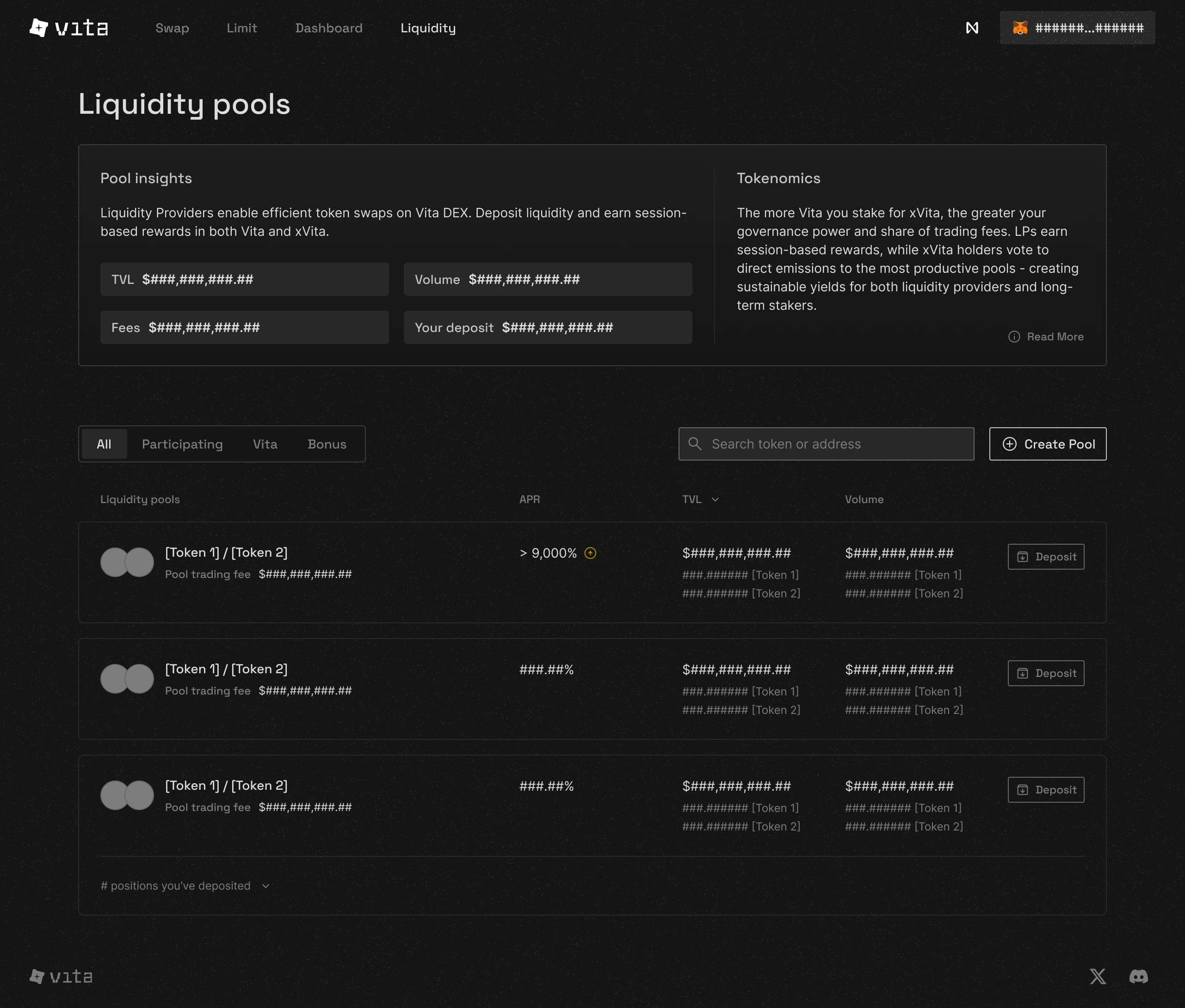
Navigate to the Liquidity page to see all available pools
Choosing the Right Pair
- Popular Pairs
- Stable Pairs
- Your Holdings
NEAR / USDC
High volume pair
VITA / NEAR
Native protocol pair
Understanding Your Options
What makes a good pair?
What makes a good pair?
Consider these factors:
- Trading Volume: Higher volume = more fees
- Volatility: Stable pairs = less impermanent loss
- Your Holdings: Use tokens you already own
- Correlation: Similarly moving tokens work well together
New pool creation
New pool creation
Can’t find your desired pair? Create a new pool:
- Set initial price
- Default 0.3% fee applies
- Be the first LP!
Step 2: Set Your Price Range
Pool Detail View
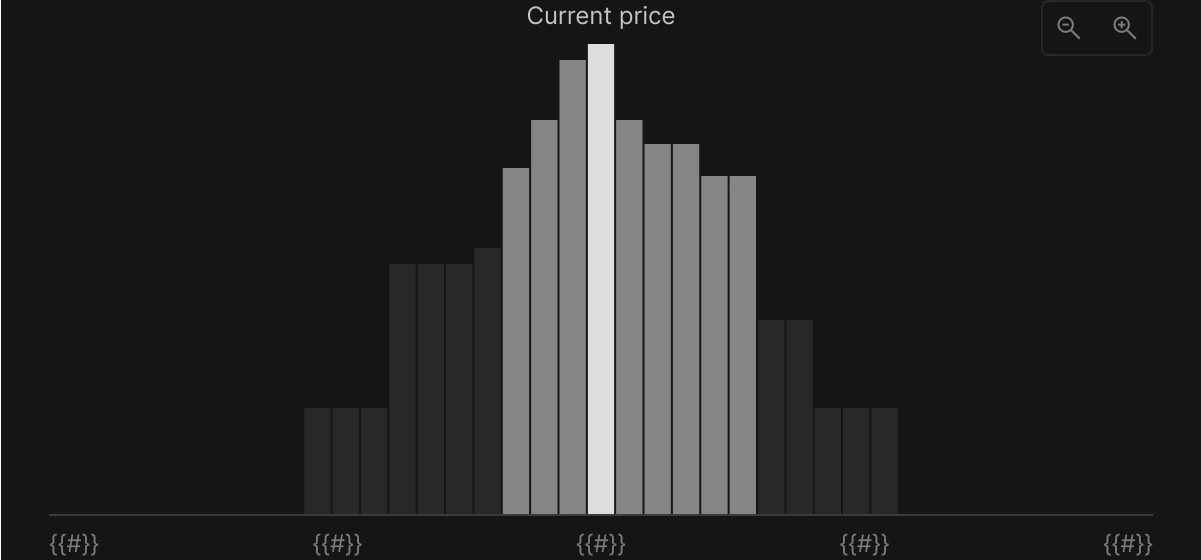
The pool detail page shows current price and liquidity distribution
Understanding Fee Distribution
All pools charge a default 0.3% trading fee on every swap. The fees are distributed through protocol_fee_rate and community_fee_rate configurations. Fee distribution:- Liquidity providers earn the majority of fees
- Protocol and community vaults receive configured portions
- xVITA stakers benefit from protocol revenue
Setting Your Price Range
- Preset Ranges
- Custom Range
Full Range
MIN_TICK (-665454) to MAX_TICK (831818)
Efficiency: ~1x
Never goes out of range
Efficiency: ~1x
Never goes out of range
Wide Range
±50% from current price
Efficiency: Higher
Good for beginners
Efficiency: Higher
Good for beginners
Narrow Range
±10% from current price (RECOMMENDED)
Efficiency: Much higher
Higher returns
Efficiency: Much higher
Higher returns
Step 3: Deposit Tokens
Calculate Your Deposit
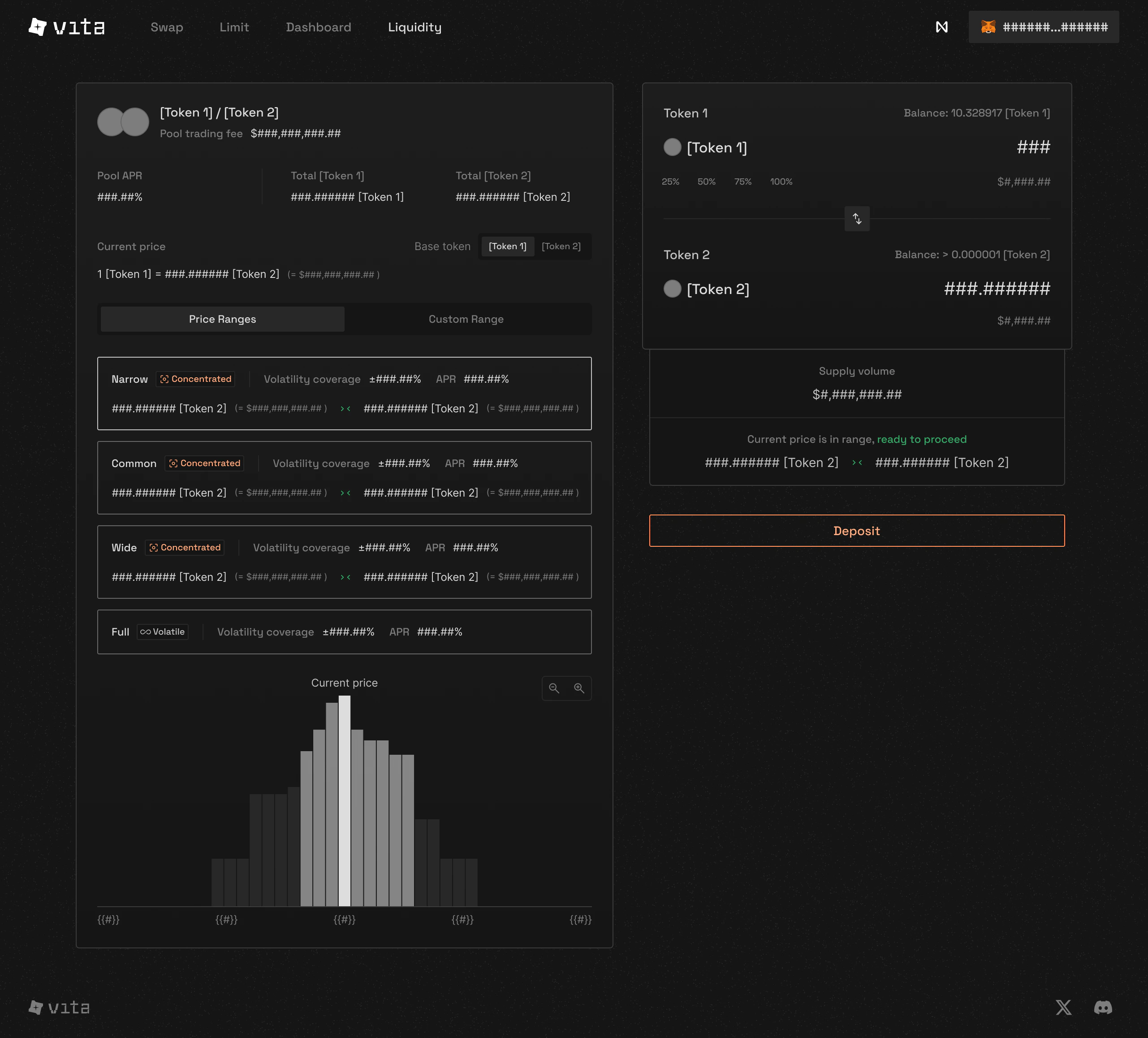
The interface automatically calculates the optimal ratio
- Current price
- Your selected range
- Which token is worth more
Final Confirmation
1
Review Details
Double-check:
- Token amounts
- Price range (tick_lower and tick_upper)
- Default 0.3% fee
- Minimum amounts (amount0_min, amount1_min)
2
Approve Tokens
First-time only: Approve the contract to use your tokens
3
Mint Position
Confirm the transaction to mint your position NFT
4
Receive NFT
Your position is now an NFT in your wallet!
Managing Your Position
Once created, you can manage your position through the detailed interface: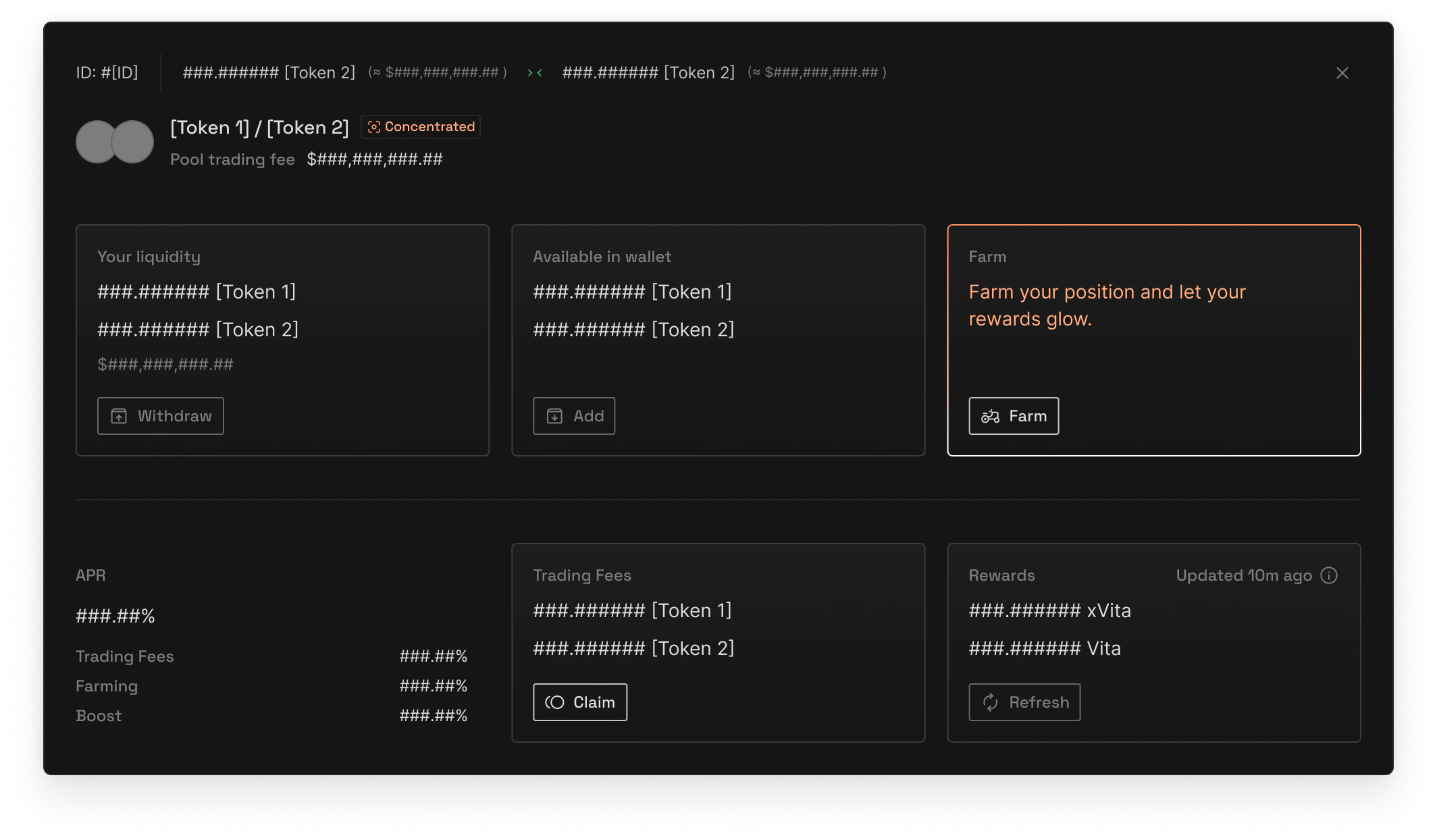
Complete position management interface
Available Actions
Increase Liquidity
Add more tokens to earn more fees
Decrease Liquidity
Remove some or all tokens
Collect Fees
Claim earned trading fees anytime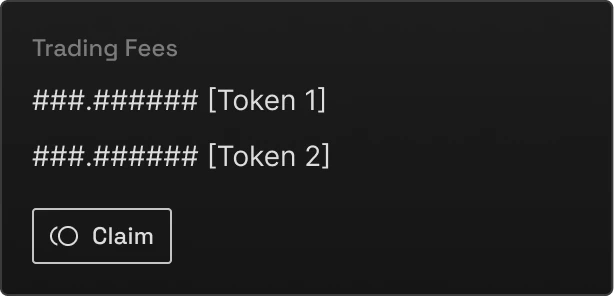
Start Farming
Stake your NFT for bonus rewards with boost mechanics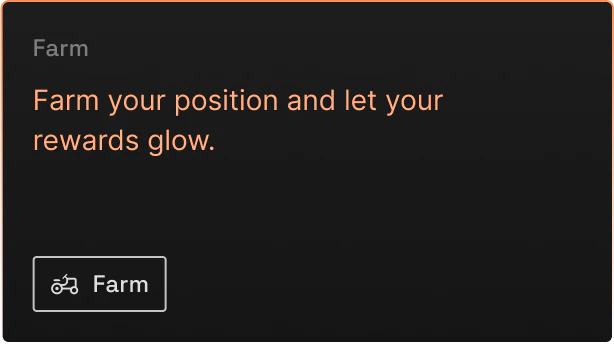
Boost Your Position
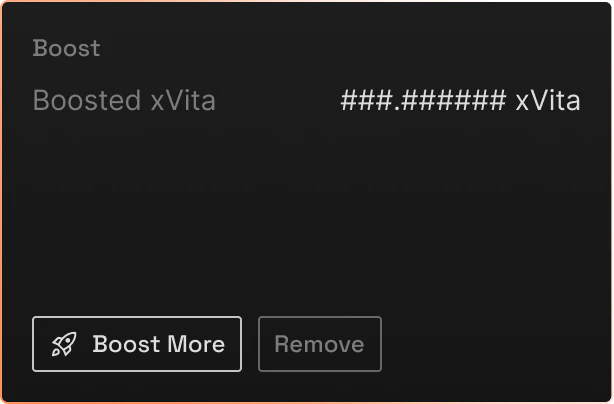
Apply xVITA boost to maximize your farming rewards
Monitor Rewards
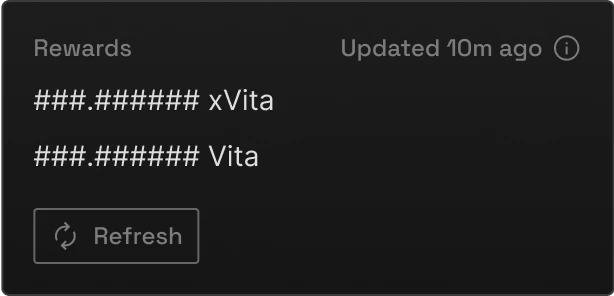
Track your accumulated rewards in real-time
Common Strategies
Wide Range (Beginners)
Wide Range (Beginners)
Best for: New LPs, volatile markets
- Set range ±20-50% from current price
- Lower returns but safer
- Requires less monitoring
- Good for learning
- Min: $2.50 (-50%)
- Max: $7.50 (+50%)
Narrow Range (Advanced)
Narrow Range (Advanced)
Best for: Stable pairs, active management
- Set range ±1-10% from current price
- Higher returns but riskier
- Requires frequent adjustments
- Maximum fee generation
- Min: 0.995 (-0.5%)
- Max: 1.005 (+0.5%)
Range Orders (Pro)
Range Orders (Pro)
Best for: Taking profits, buying dipsUse single-sided liquidity as limit orders:
- Above market: 100% token A (sell order)
- Below market: 100% token B (buy order)
- Min: $6.00
- Max: $6.10
- Deposit: 100% NEAR
Risk Management
- Impermanent Loss
- Gas Optimization
- Position Sizing
Understanding IL RiskConcentrated positions can experience higher IL:
Code Examples
Interactive Calculators
Calculate Your Position
Price Range Simulator
Next Steps
Staking Guide
Monitor your active positions
Learn Strategies
Advanced LP techniques
Join Community
Get help from other LPs