

Limit Orders
Execute at your specified price or better
Market Orders
Execute immediately at best available price
Limit Orders
Limit orders allow you to specify the exact price at which you want to buy or sell tokens. These orders are added to the order book and wait for a matching order at your specified price.How Limit Orders Work
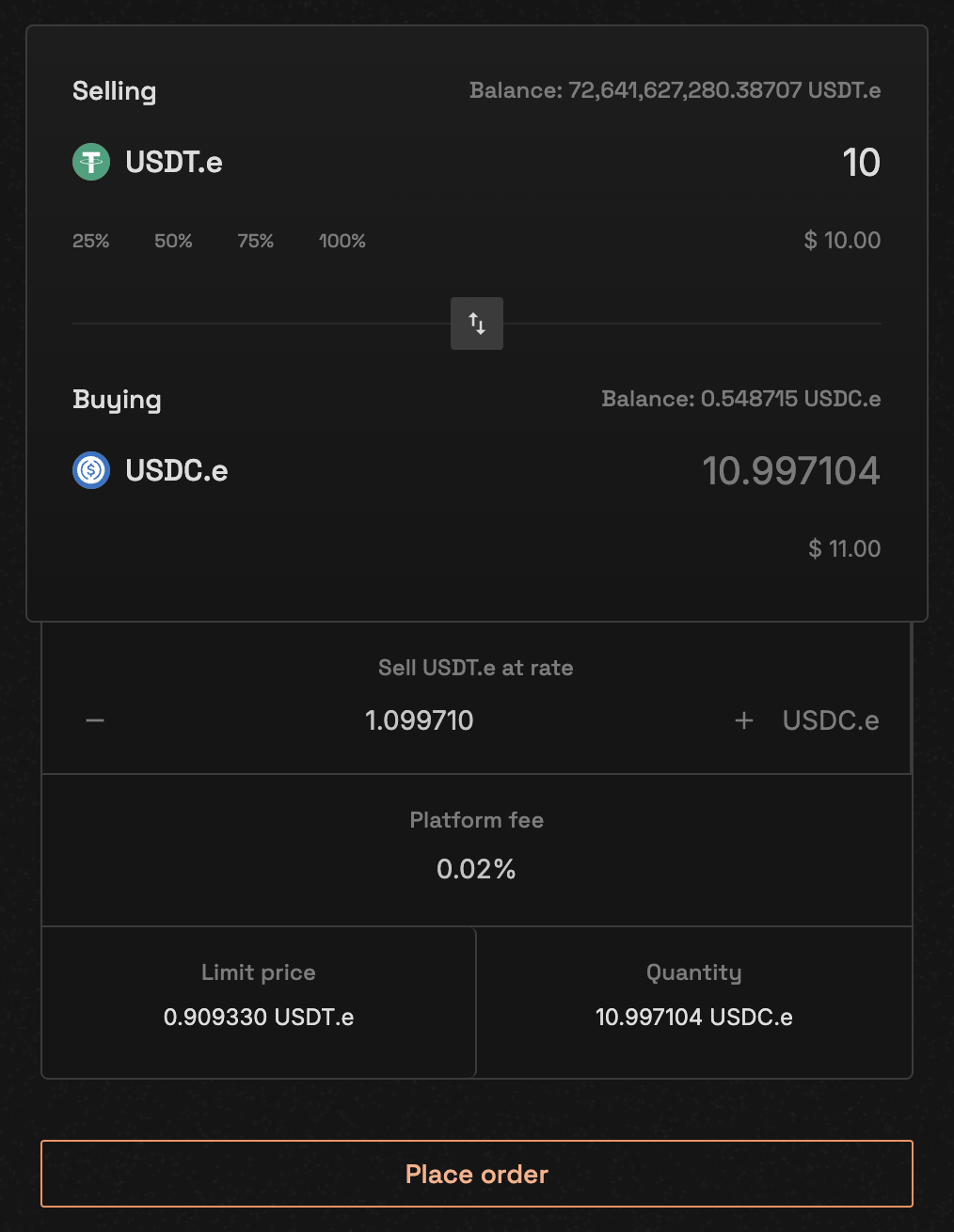
Limit order placement form
- Buy Limit Order
- Sell Limit Order
A buy limit order will only execute at or below your specified price.Example:
- Current market price: 5.00 USDC
- Your limit price: 4.95 USDC
- Result: Order waits in order book until price drops to 4.95 or below
Limit Order Structure
Benefits of Limit Orders
- Price Control: Trade only at your desired price
- No Slippage: Price is guaranteed if order executes
- Partial Fills: Orders can be partially filled over time
- Order Book Visibility: Your order becomes part of market liquidity
Market Orders
Market orders execute immediately at the best available price in the order book. They provide certainty of execution but not certainty of price.How Market Orders Work
1
Order Placement
Specify only the quantity you want to trade - no price needed
2
Price Matching
System automatically matches with best available orders:
- Buy orders match with lowest asks
- Sell orders match with highest bids
3
Execution
Order executes immediately, potentially at multiple price levels
Market Order Structure
Benefits of Market Orders
- Immediate Execution: No waiting for price to reach your level
- Simplicity: Only need to specify quantity
- Complete Fills: Usually fills entire order amount
- Time Priority: Executes before any new limit orders
Order Matching Rules
Price-Time Priority
Orders are matched according to strict price-time priority:-
Price Priority: Best prices are matched first
- Highest bid matches with lowest ask
- Orders at better prices always execute before worse prices
-
Time Priority: For orders at the same price
- Earlier orders (by timestamp) execute first
- First-in, first-out (FIFO) within each price level
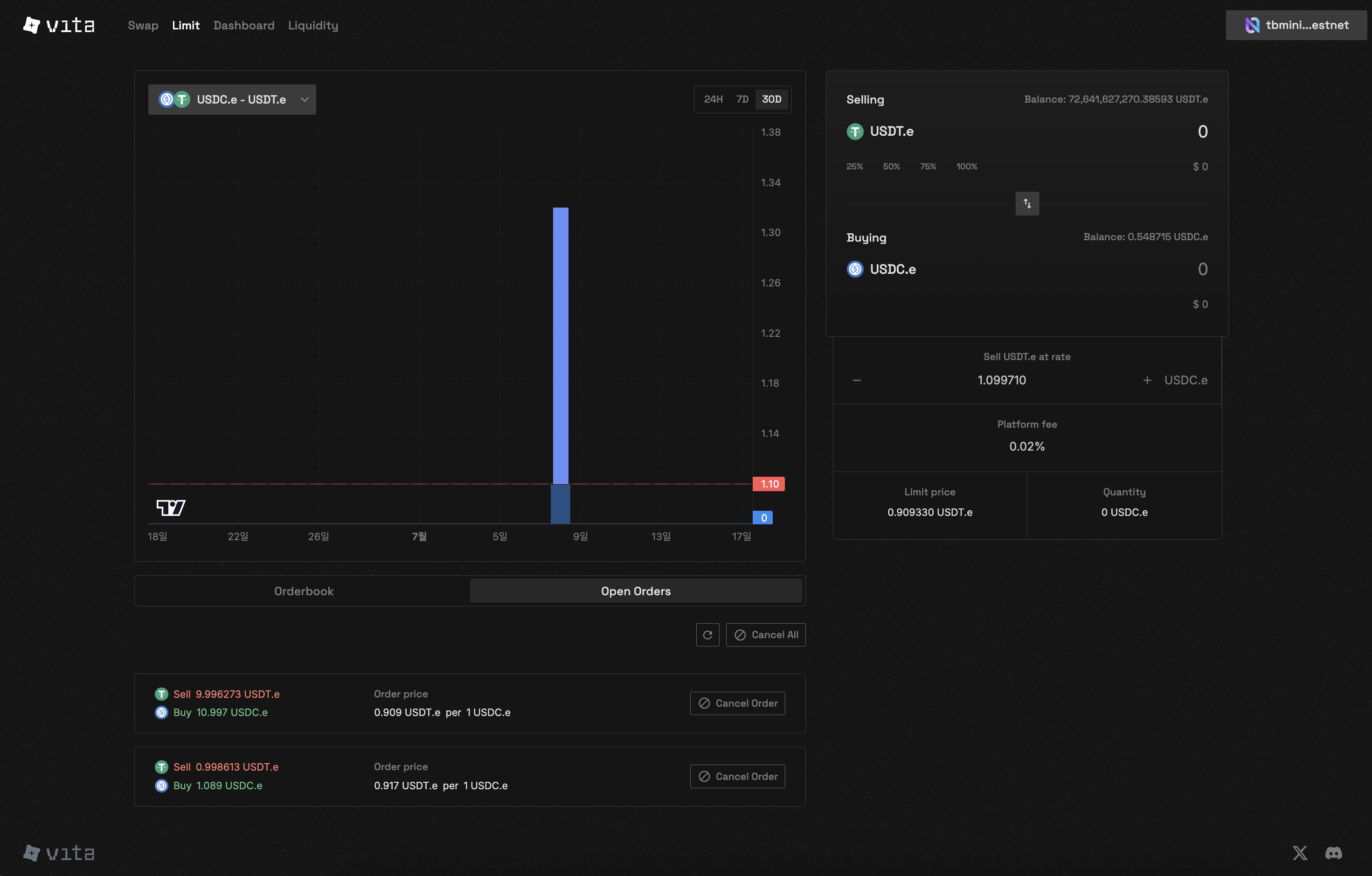
Order book showing price-time priority
Matching Constraints
Each order can match with a maximum of 50 counter-orders per execution to prevent excessive gas consumption
Self-Trade Prevention
The system prevents users from trading with their own orders:- Buy and sell orders from the same account cannot match
- Prevents wash trading and maintains market integrity
Order Lifecycle
1
Submission
Order validated and added to order book (limit) or matched immediately (market)
2
Matching
System continuously matches compatible orders based on price-time priority
3
Partial Fills
Orders may be partially filled if insufficient liquidity at desired price
4
Completion
Order removed from book when fully filled or cancelled
Choosing Order Type
Use Limit Orders When:
- You have a specific price target
- You’re not in a rush to execute
- You want to avoid slippage
- You’re providing liquidity to the market
Use Market Orders When:
- You need immediate execution
- You’re trading liquid pairs
- Small price differences don’t matter
- You want to ensure your order fills
Order Type Comparison
Next Steps
Place Orders
Learn how to place your first order
Manage Orders
Track and manage your open orders