

Prerequisites
Before You Start
- Near wallet connected (Near Wallet, Meteor, or Sender)
- Sufficient token balance for trading
- Gas fees: approximately 0.003-0.007 NEAR per transaction
Placing a Limit Order
Limit orders allow you to set your exact buy or sell price.1
Select Market
Choose your trading pair from the market selector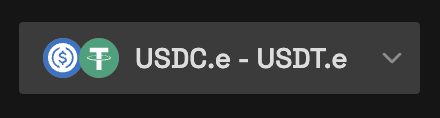
Market selection interface showing available trading pairs
2
Choose Order Type
Select “Limit Order” and choose Buy or Sell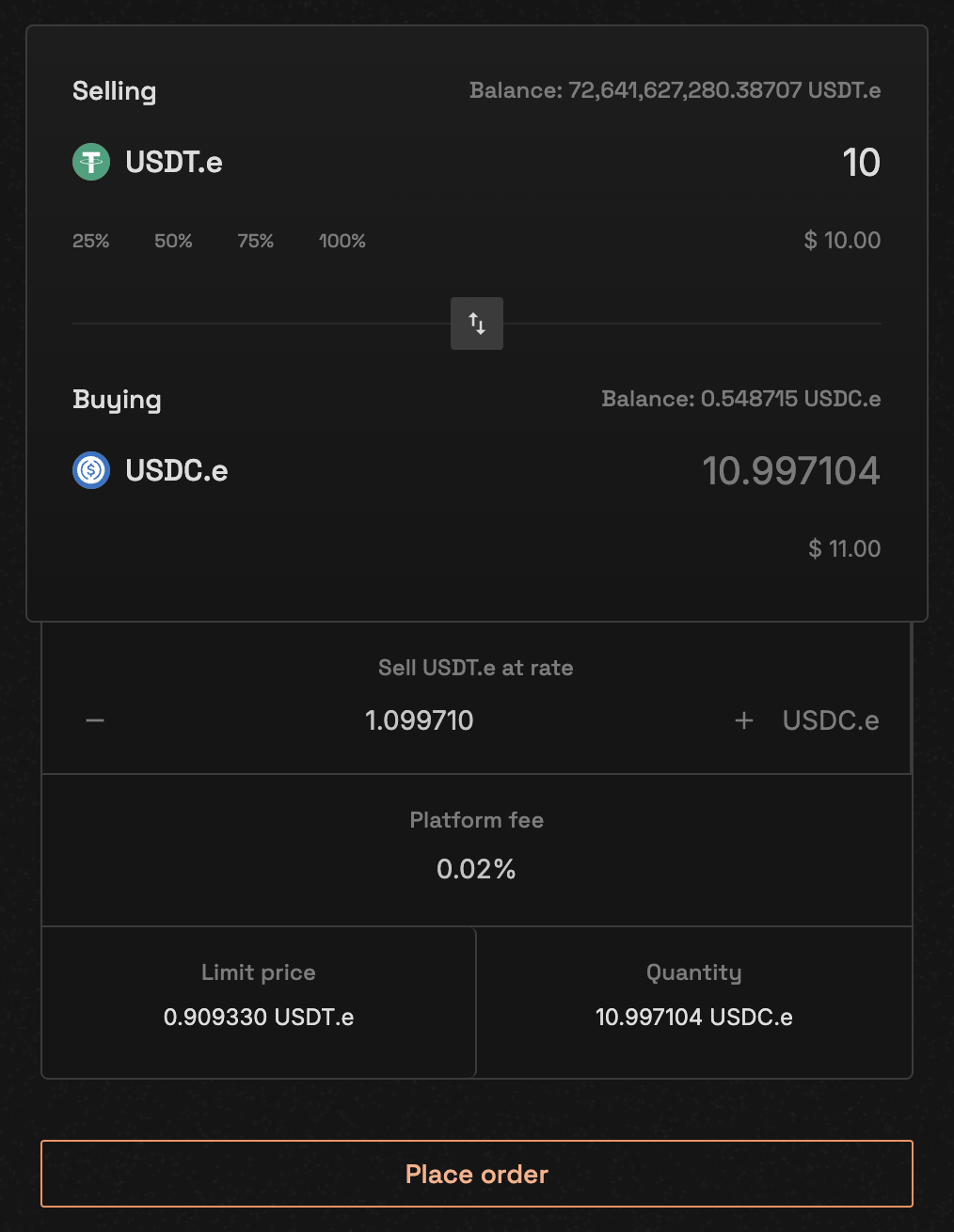
Order form with limit order selected
3
Enter Order Details
Fill in your order parameters:
- Limit price: Your desired execution price
- Quantity: Amount to trade
- Review the platform fee
- Check total value
4
Review and Confirm
- Check order details carefully
- Review estimated fees
- Click Place order button
- Confirm the transaction in your wallet
Limit Order Example
Placing a Market Order
Market orders execute immediately at the best available price.1
Select Market Order
Choose “Market Order” instead of limit order
Market orders don’t require a price - only the quantity
2
Enter Quantity
Specify how much you want to buy or sell
- The system will show estimated execution price
- Check for price impact on large orders
3
Review Price Impact
4
Execute Order
Confirm the transaction to execute immediately
Market Order Example
Trading Flow Visualization
Mobile Trading
Vita CLOB is optimized for mobile trading with responsive interfaces.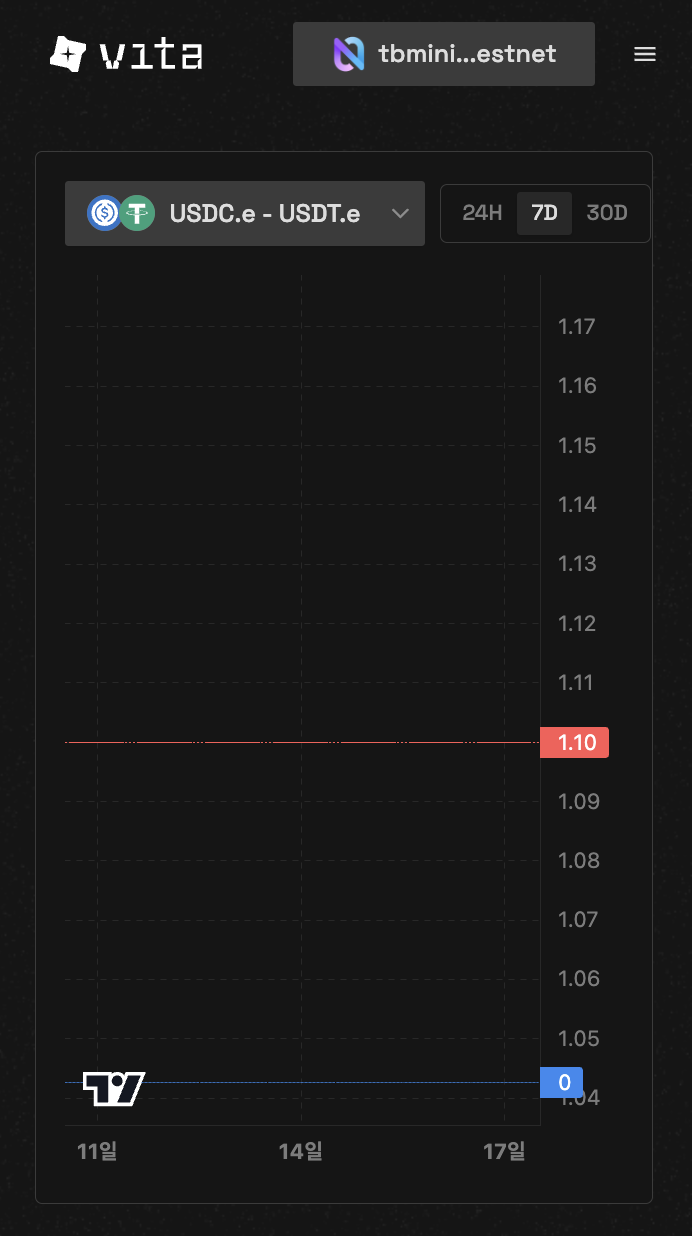
Mobile order book view

Mobile order placement
Understanding Order Parameters
Market ID
Each trading pair has a unique market ID:- Generated from base and quote token addresses
- Includes decimal configurations
- Example:
1for NEAR-USDC pair
Price Formatting
Prices must account for token decimals:Quantity Formatting
Quantities use the base token’s decimal precision:Match Limit
- Default: 50 matches per order
- Prevents excessive gas consumption
- Can be adjusted based on needs
Fee Calculation
Trading fees are automatically calculated and deductedFor buy orders, fees are deducted from the quote token amount:
- Formula:
net_amount = gross_amount * 10000 / (10000 + fee_rate) - Fee rates are set per market by the market creator
- Check specific market fees:
near view [TBD] get_market '{"market_id": "1"}'
Order Validation
Before submitting, the system validates:- Sufficient token balance
- Valid price (limit orders must be > 0)
- Market is active
- No self-trading
Troubleshooting
Order rejected: Insufficient balance
Order rejected: Insufficient balance
Ensure you have enough tokens in your wallet:
- For buy orders: Need quote token (e.g., USDC) + fees
- For sell orders: Need base token (e.g., NEAR)
Order rejected: Market not active
Order rejected: Market not active
The selected market may be paused. Check market status or try another pair.
Order rejected: Self trade
Order rejected: Self trade
You cannot trade with your own orders. Cancel existing orders on the opposite side first.
Transaction failed
Transaction failed
Common causes:
- Insufficient gas fees
- Network congestion
- Wallet connection issues
Next Steps
Manage Orders
Learn to track and cancel your orders
Order Matching
Understand how orders are matched